Profila Sign up

Help Guide

How Profila works for you.

Step 1

Getting started

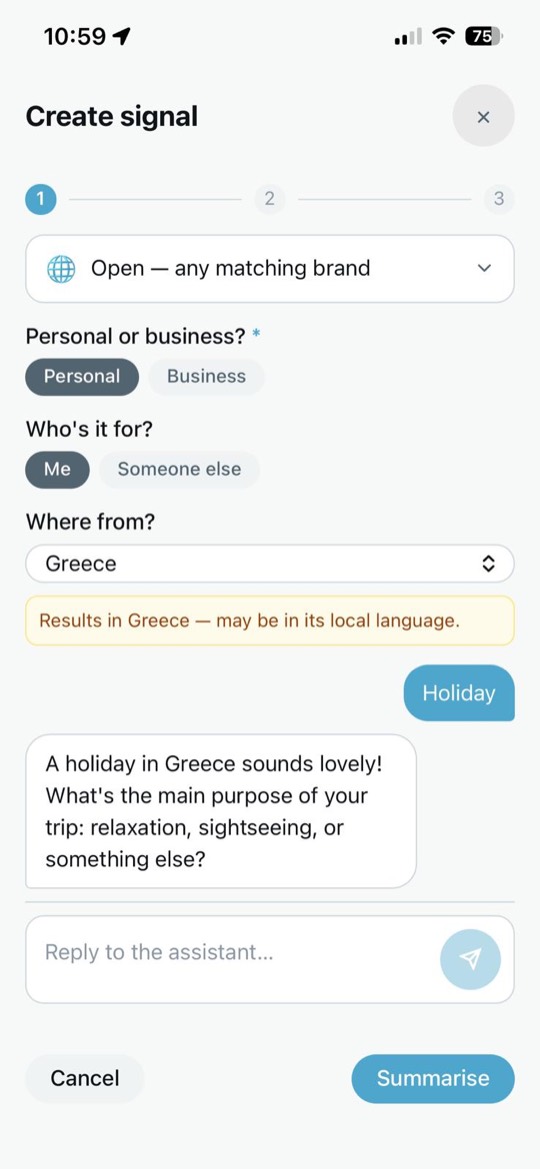
Say what you need

Write it in your own words — a plan, a purchase, a role, a moment. That statement is your signal.

Create signal — a private AI chat about a holiday in Greece
Step 2

Getting started

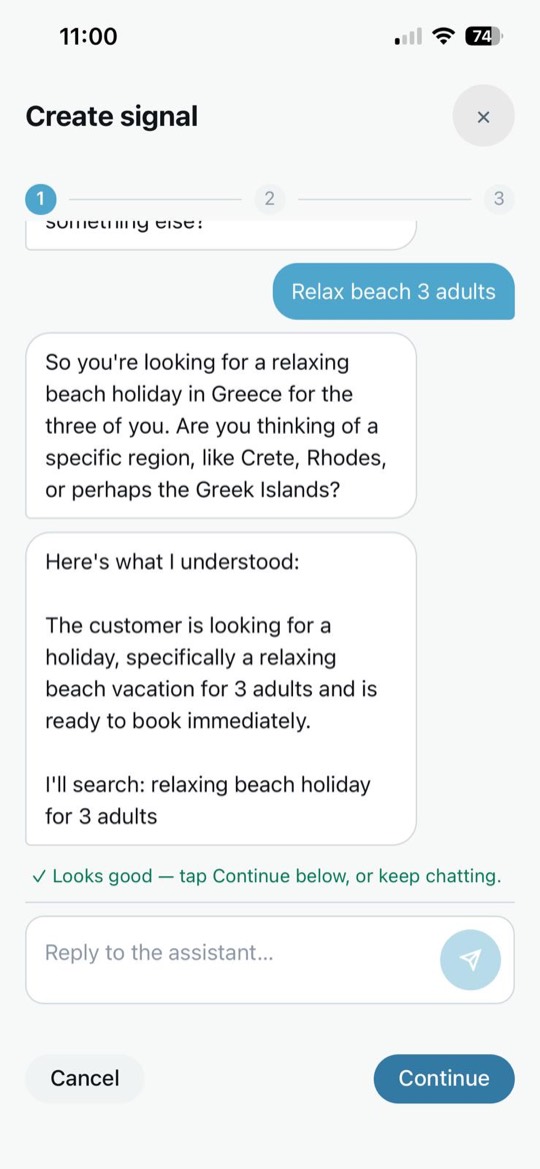
Profila classifies it privately

Your words are classified to a machine-readable category. The classification travels; the raw words and your identity do not.
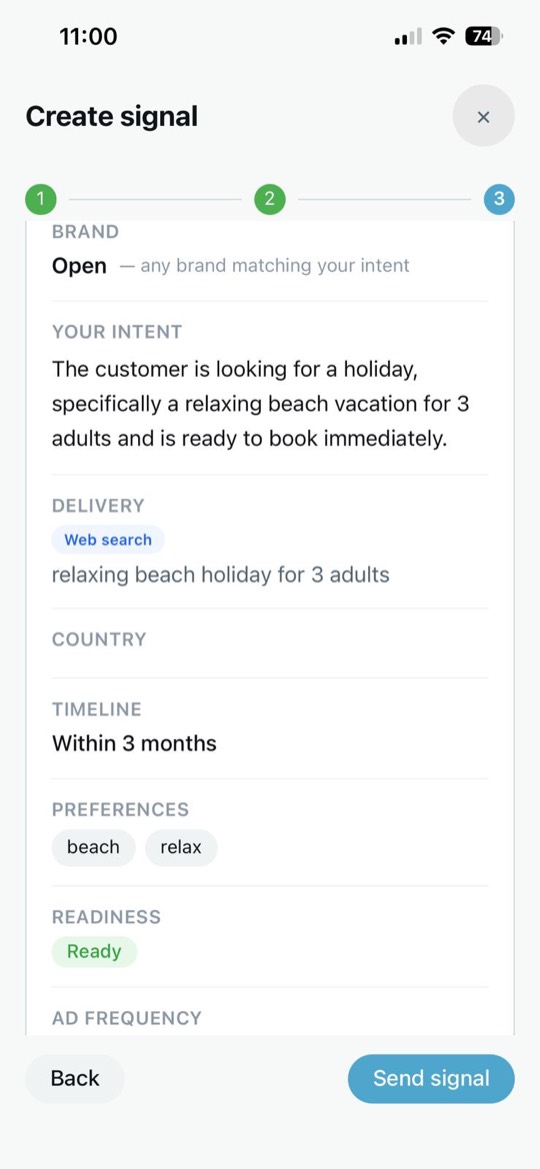
Create signal — a summary of what Profila understood before sending
Step 3

Getting started

The right people respond

Brands, employers or advisors who match the signal reach you — in your Channel, in your language. You decide who gets to.
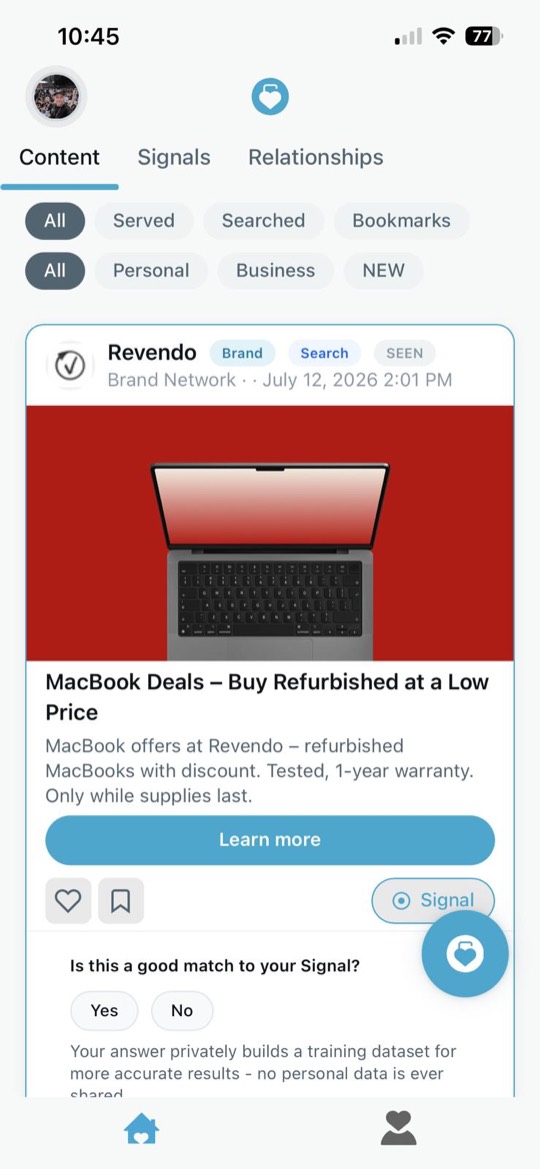
The feed — a brand response matched to your signal
Step 4

Getting started

You stay in control

Turn a signal off, revoke it, or end it any time. See exactly who saw what, and when. Nothing else about you is shared.
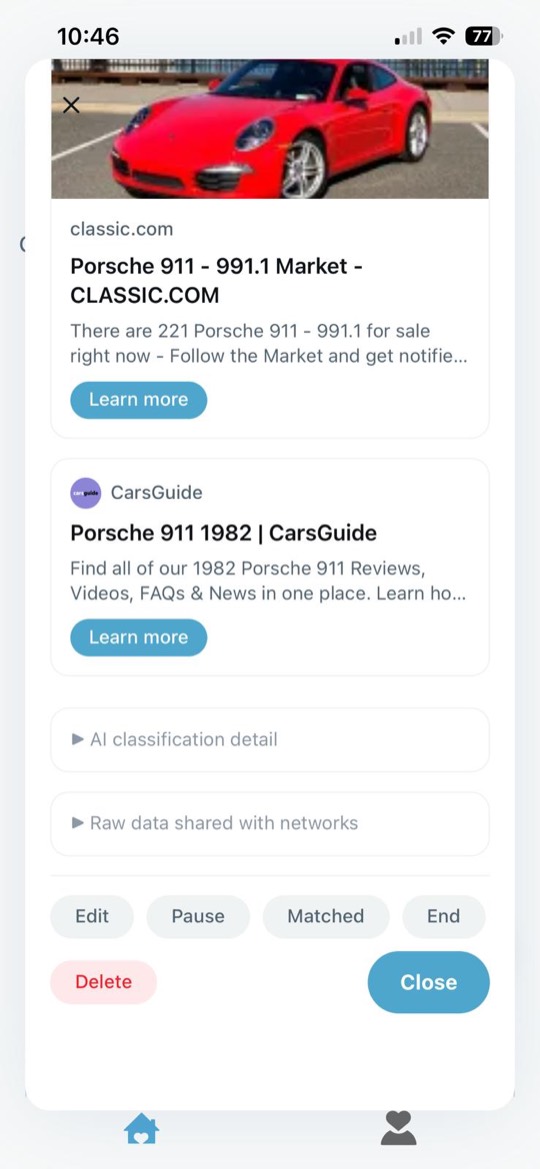
Signal detail — pause, end or delete a signal at any time

The whole flow

Create signal step 1 — say what you need in a chat
1 · Say it
Create signal — refine with the assistant
2 · Refine
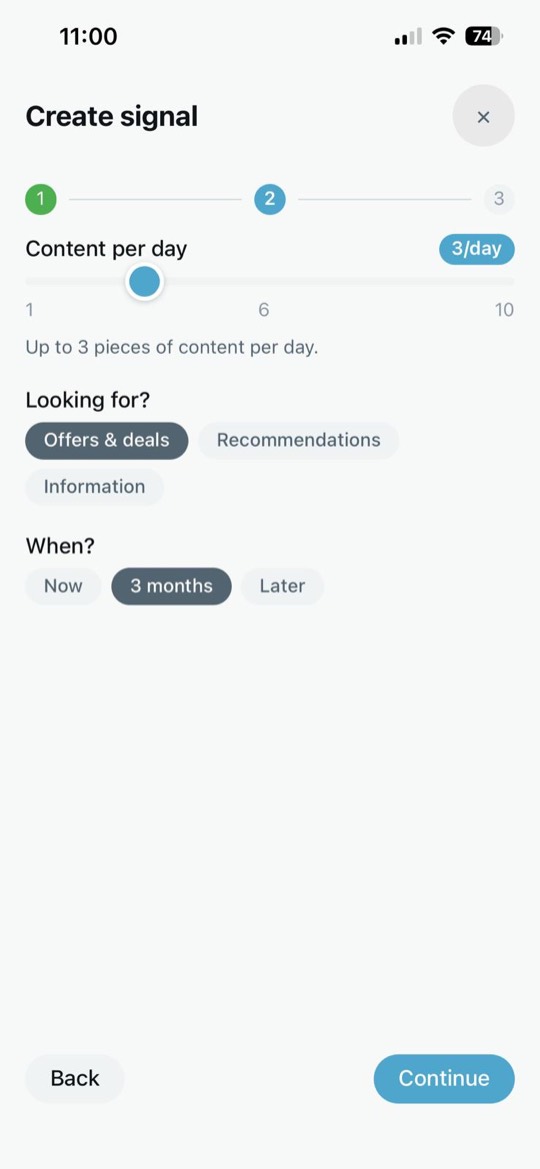
Create signal step 2 — set frequency and what you are looking for
3 · Set the pace
Create signal step 3 — review the signal
4 · Review
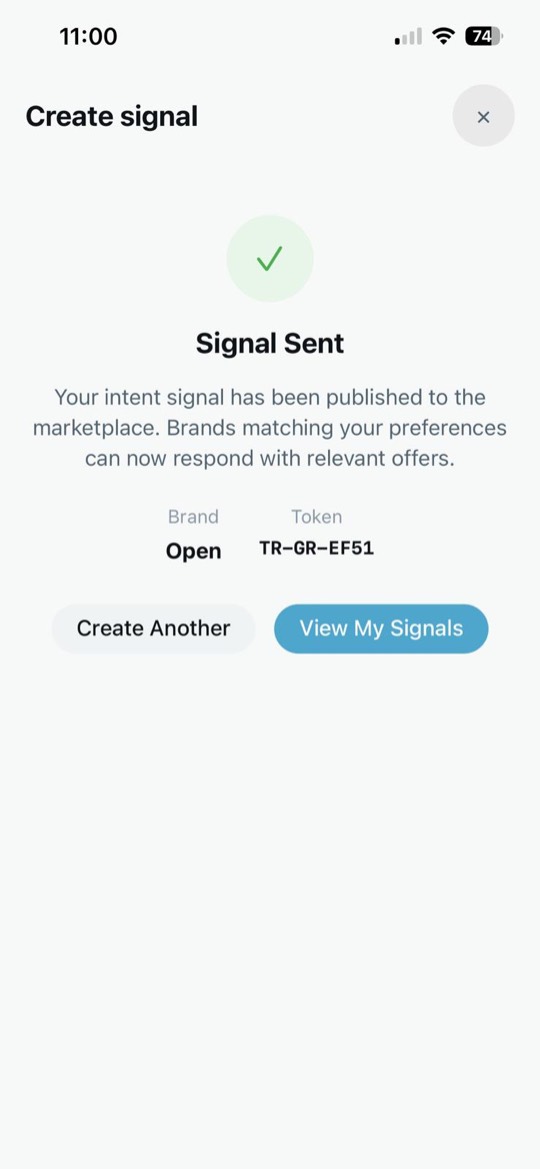
Signal sent confirmation
5 · Sent

Get around Profila

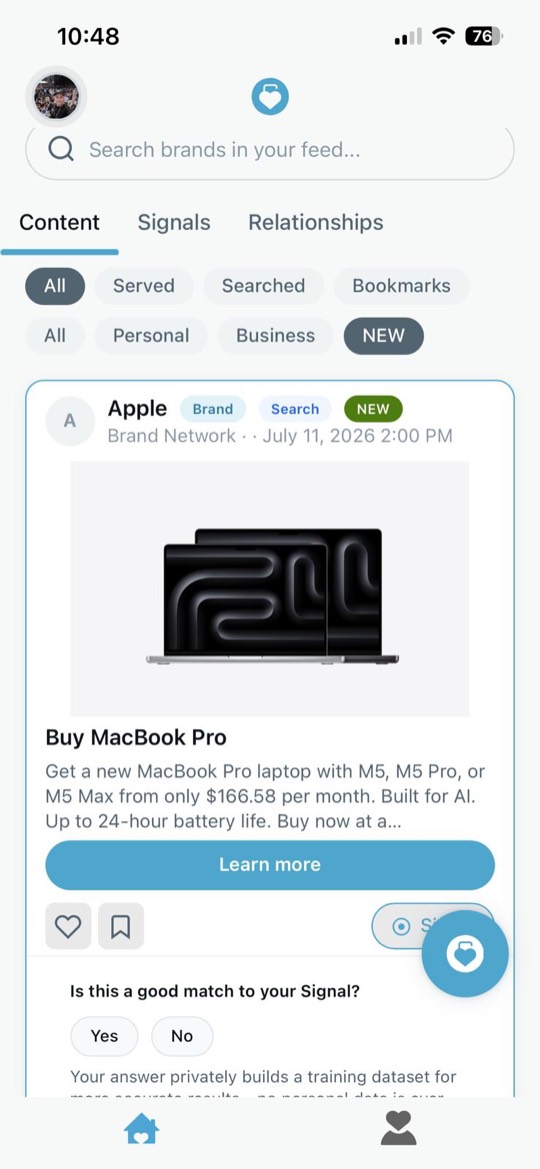
The Content tab — brand responses in your feed
Content — your feed
The Content tab filtered to new items
Filter what you see
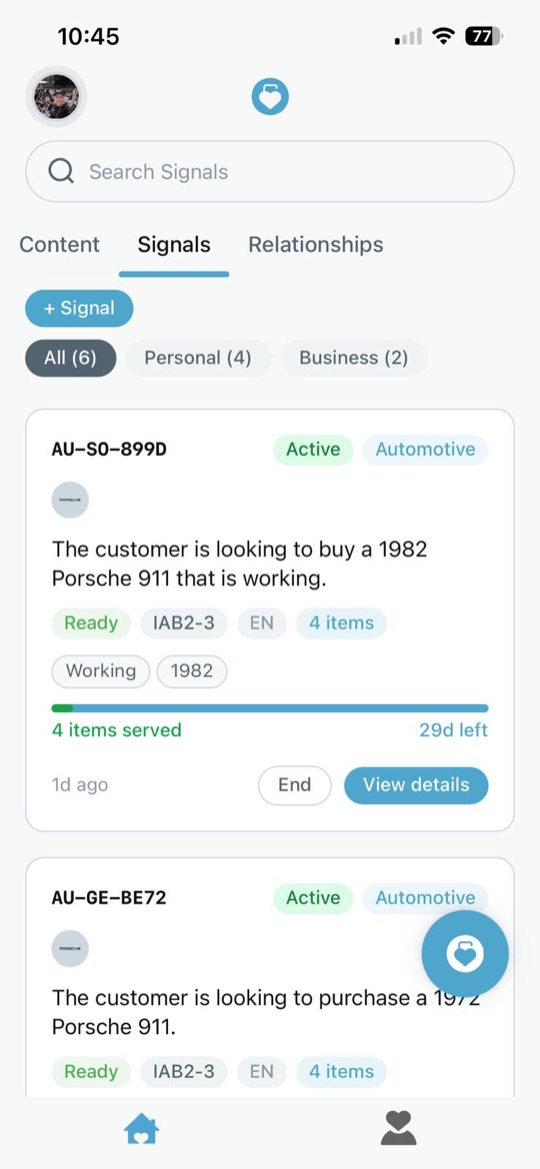
The Signals tab — your active signals
Signals — what you asked for
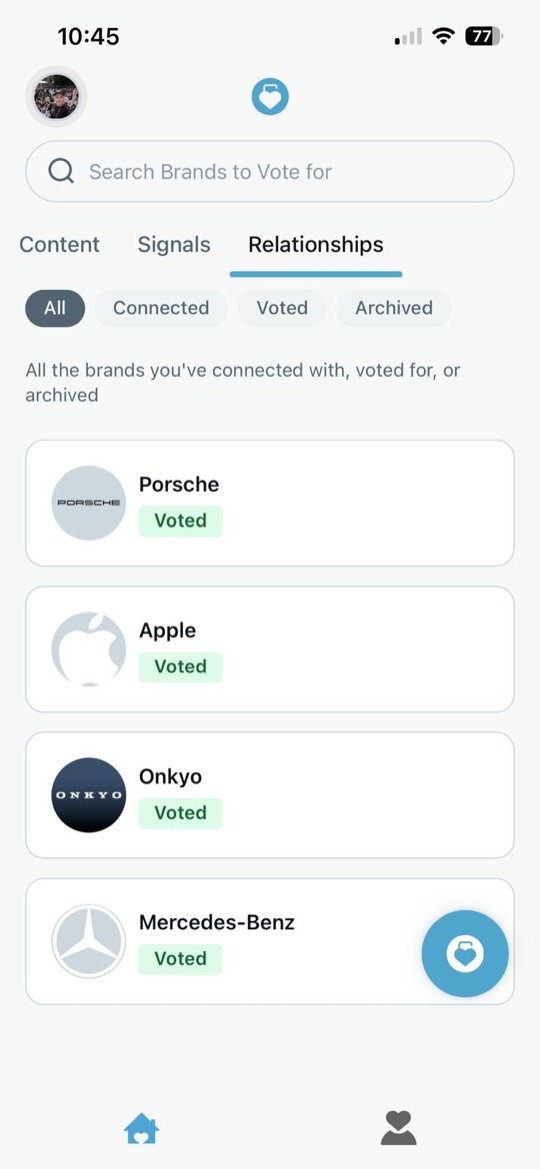
The Relationships tab — brands you have connected with or voted for
Relationships — your brands
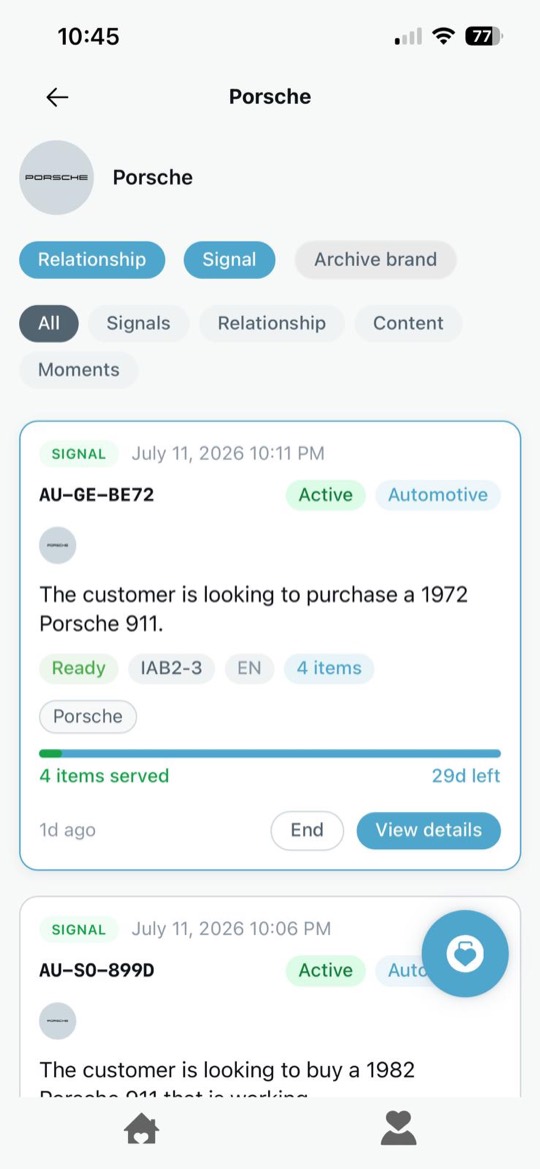
A brand detail view
A brand, up close
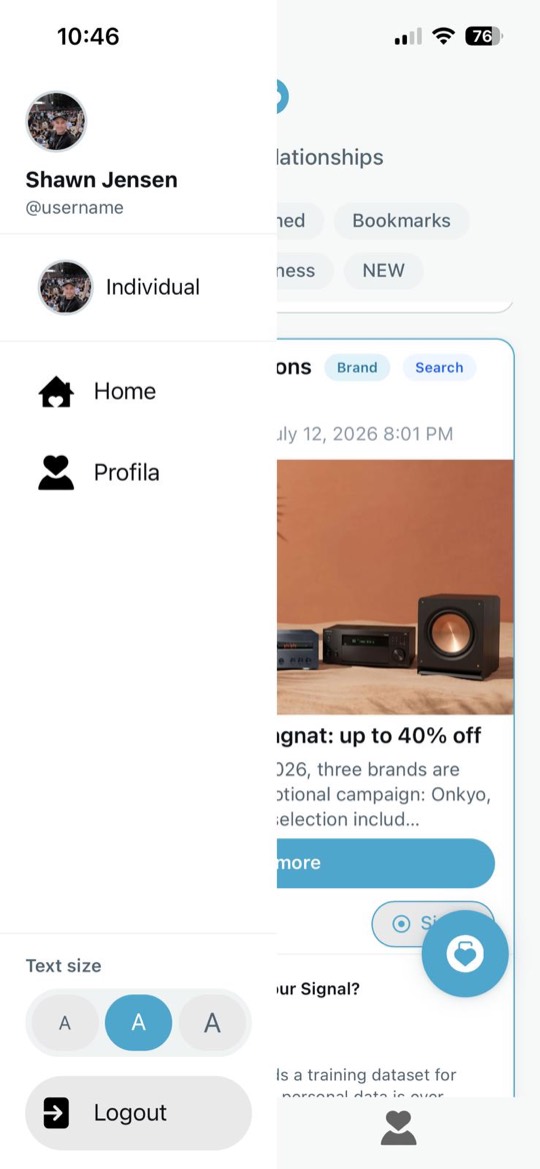
The app menu — profile, home, text size and logout
The menu